23 Sep 2023

How Cron Jobs Power an SMM Panel: The Complete Guide
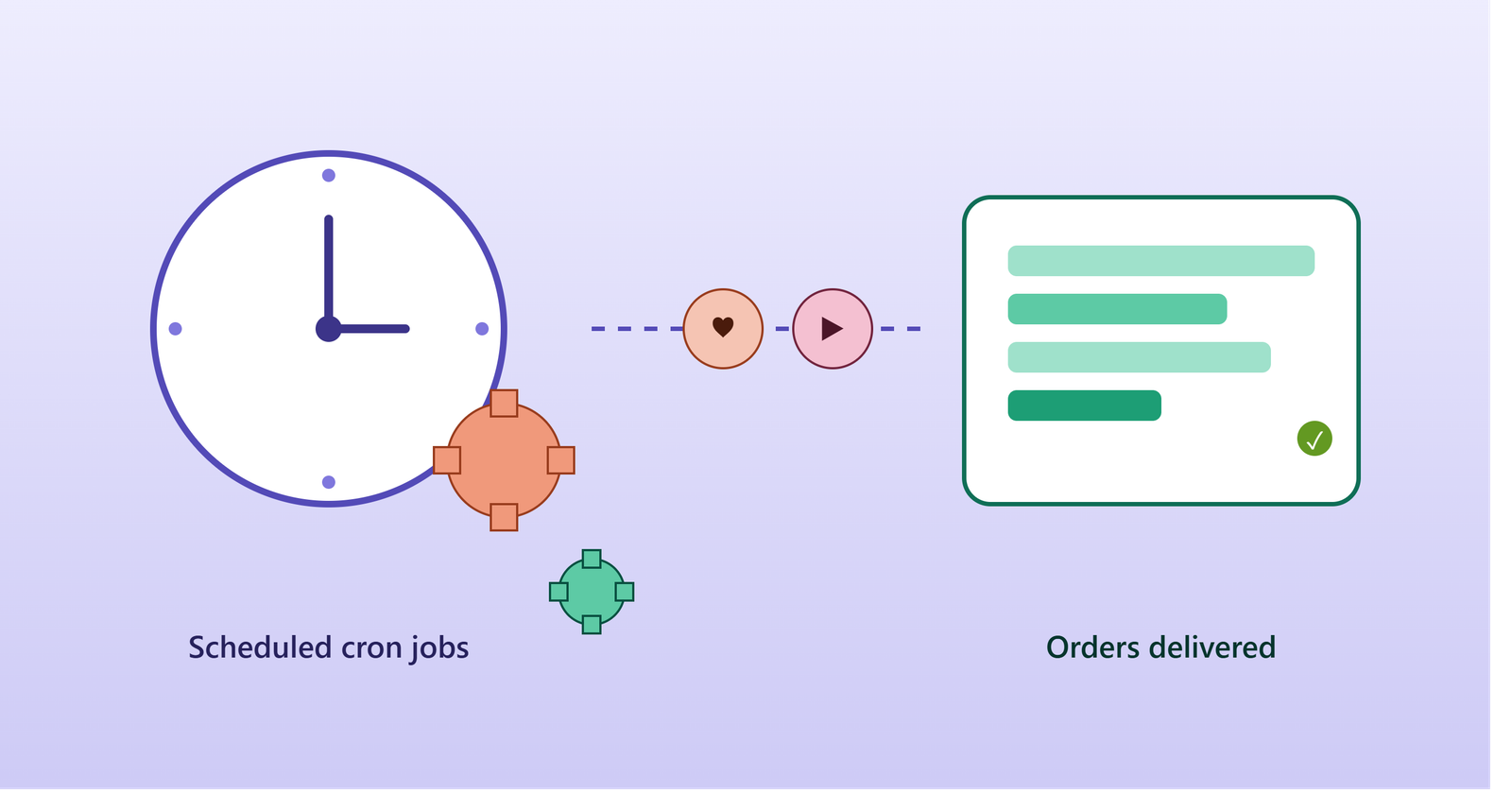
Running an SMM panel manually isn't sustainable. Orders need to be sent to providers, statuses need syncing, balances need checking, and refills need triggering — around the clock, every day. That's where cron jobs come in: scheduled scripts that automate the entire order lifecycle so your panel runs itself, 24/7, without manual intervention.
In this guide, we'll break down the essential cron jobs every SMM panel needs, how they work under the hood, and the common mistakes to avoid when setting them up.
Why SMM panels depend on cron jobs
An SMM panel is essentially a middleman: a customer places an order on your site, your system forwards it to an upstream provider's API, the provider delivers the service (likes, followers, views), and your system tracks progress until it's marked complete. None of that happens on its own — cron is what keeps polling providers, checking statuses, and moving orders through their lifecycle automatically.
The core cron jobs every panel needs 1. Order processing
Scans the database for pending orders, matches each to the correct provider, and submits it via API. Runs every 1–5 minutes since delays here directly hurt the customer experience.
2. Order status sync
Loops through orders marked processing, checks each provider's status endpoint, and updates local records to partial, completed, or canceled. Good implementations batch these calls instead of checking orders one by one, avoiding provider rate limits.
3. Provider balance sync
Refreshes your balance with each connected provider so the dashboard stays accurate and services can be auto-disabled if a provider's balance runs out.
4. Auto refill
For services with refill guarantees, this job detects drops (unfollows, removed likes) and automatically submits refill requests — a key feature customers expect without opening a support ticket.
5. Mass order queue
Gradually processes bulk/CSV order uploads a few at a time, protecting your server and providers from being flooded all at once.
6. Cleanup and housekeeping
Clears expired sessions, old logs, and temp files to keep the database lean over time.
A basic crontab example # Process pending orders every minute * * * * * php /var/www/panel/cron/orders.php /var/log/smm_orders.log 2&1
# Sync order status every 5 minutes */5 * * * * php /var/www/panel/cron/status_sync.php /var/log/smm_status.log 2&1
# Refresh provider balances every 30 minutes */30 * * * * php /var/www/panel/cron/balance.php /var/log/smm_balance.log 2&1
# Daily cleanup at 3 AM 0 3 * * * php /var/www/panel/cron/cleanup.php /var/log/smm_cleanup.log 2&1 Common pitfalls to avoid
Get a panel with this automation built in
Setting up and maintaining reliable cron jobs from scratch takes real dev time. If you'd rather start with a script that already handles order processing, status sync, balance checks, and auto-refill out of the box, check out smmscripts.store for ready-to-deploy SMM panel scripts.
23 Sep 2023
Get the updates, offers, tips and enhance your page building experience
Up to Top